Length matters — just not as much as what's inside. Here's the real limit, and the one number printed on most cables that tells you everything.
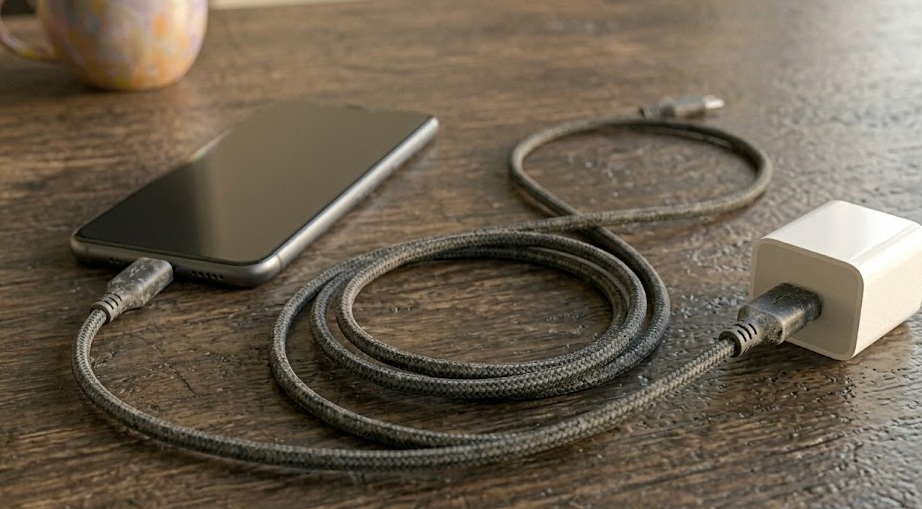
For charging only, a USB-C cable can be up to 4 meters (about 13 feet) and still deliver full power — provided it has thick enough internal wires (look for 24 AWG or lower on the power conductors). For everyday phone and laptop charging, a 1–2 meter quality cable loses essentially nothing. The real issue isn't length. It's thin wire combined with length — which is exactly what most cheap long cables have.
You bought a 3-meter USB-C cable so it reaches from your desk charger all the way to your bed. Totally reasonable. But then someone tells you long cables charge slower, and now you're second-guessing a $12 purchase.
Here's the thing: they're not entirely wrong, but the explanation most people give is incomplete. Length does introduce electrical resistance, and resistance means voltage drop — less power arriving at your phone than the charger is trying to send. That part is physics and it's real.
But length itself is not the villain. The real problem is thin wire combined with length. A cheap 3-meter cable uses the same thin internal conductors as a cheap 1-meter cable — just more of them — and that's where performance falls apart. A quality 2-meter cable with thick power wires can actually outperform a cheap 1-meter cable. Shorter is not automatically better. Better is better.
If you're choosing between a 1-meter bargain cable and a well-built 2-meter cable from a reputable brand, the longer one might be the smarter buy — both for performance and for not hovering next to an outlet while your phone charges.
Different limits apply depending on what you're doing with the cable — charging only, low-speed data, or high-speed data. These are passive cable limits with no signal boosters involved.
| Use case | Max passive length | Real-world impact | Verdict |
|---|---|---|---|
| Charging only (USB 2.0 data) | 4 m / 13 ft | Minimal with quality cable. Noticeable with cheap 28 AWG | Fine |
| USB 2.0 data + charging | 5 m / 16.4 ft | Data slows near the limit; charging largely unaffected on good cables | Acceptable |
| USB 3.0 / 3.1 Gen 1 (5 Gbps) | 1–2 m / 3.3–6.6 ft | Signal degrades quickly beyond 1m at full speed | Keep short |
| USB 3.1 Gen 2 (10 Gbps) | ~1 m / 3.3 ft | High-frequency signal is fragile; even 1.5m can drop performance | Short only |
| USB4 / Thunderbolt 4 (40 Gbps) | 0.8 m / 2.6 ft | Passive cables rarely exceed 0.8m; active cables needed for longer runs | Active cable needed |
If you're just charging a phone or laptop without fast data transfer, you have a lot of room. Four meters is roughly the distance from a wall socket to the middle of a medium-sized room. Most people at 1–3 meters are completely within the safe zone — as long as the cable is built well.
AWG stands for American Wire Gauge — a measure of how thick the wires are inside the cable. Lower number = thicker wire = less resistance = more power delivered. Higher number = thinner wire = more resistance = slower charging, especially over longer cables.
Most USB-C cables have two AWG ratings — one for data, one for power. A label that says 28/24 AWG means 28-gauge data wires and 24-gauge power wires. The power wire (the second number) is the one that matters for charging speed.
Thicker wires (lower AWG number) carry more current with less voltage drop over the same distance.
A researcher at DigiKey tested identical chargers with two cables — one with 24 AWG power conductors, one cheap unbranded. The cheap cable delivered less than 50 mA. The quality cable charged at full rated speed. Same charger. Same phone. The only variable was the wire inside.
Many cheap long cables use 28 AWG for both data and power wires — a "28/28" cable. At 1 meter this is merely suboptimal. At 2–3 meters it's noticeably slower. Look for at least 28/24 AWG, or ideally 28/22 for anything over 2 meters.
Most cables print their specifications on the cable jacket somewhere in the middle. It's small, sometimes embossed rather than printed, and easy to miss — but it tells you almost everything.
Cables rated for 100W (5A) are required by the USB spec to have an e-marker chip — a tiny chip in the connector that tells your charger what the cable can handle. Without it, the charger caps at 60W regardless of its output rating. If you're charging a laptop above 60W, the e-marker matters.
Select your device and required length — we'll tell you exactly what spec to look for.
A cable that's been working fine for a year suddenly starts charging slowly. You haven't changed the charger or the phone. The cable just... stopped working as well. This is real, and it's not in your head.
USB-C connectors are designed for around 10,000 insertion cycles — which sounds like a lot until you realize some people plug and unplug twice a day. Over time, the metal contacts oxidize, accumulate debris, and wear down. Each of those tiny changes adds resistance, and resistance means slower charging.
The bend point — right where the cable enters the connector housing — is the other weak spot. Cables that get twisted or coiled tightly in the same spot develop micro-fractures in the internal wires. The cable looks fine outside but it's slowly failing inside. If your cable charges fine when held at a certain angle but drops off when relaxed, that's what's happening.
If your cable charges noticeably slower than it used to with the same charger, try a different cable before blaming the charger or the phone. Cable degradation is one of the most under-diagnosed causes of slow charging.
The short version for when you just need a quick answer.